Prep An Item: Difference between revisions
Jump to navigation
Jump to search


No edit summary |
No edit summary |
||
| Line 1: | Line 1: | ||
[[Category: CurrentRMS]] | |||
== Preparing an Item == | == Preparing an Item == | ||
All item prep & allocation is done in the opportunity's '''Detail View''', | All item prep & allocation is done in the opportunity's '''Detail View''', | ||
Revision as of 05:22, 11 August 2020
Preparing an Item
All item prep & allocation is done in the opportunity's Detail View,
Bulk Items
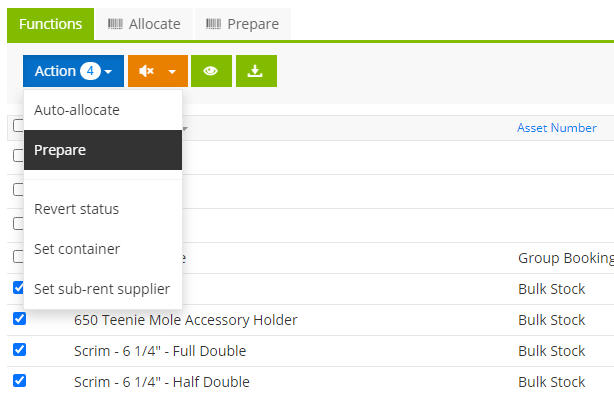
For Bulk Items, you should be in the "Functions" tab Select the item you want to prep and use the Action > Prepare. They will switch to Prepared.

Serialized Asset
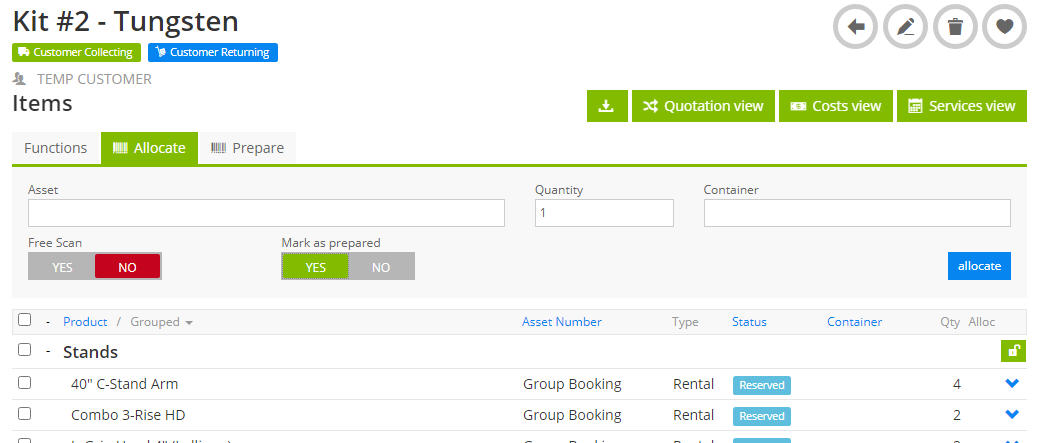
Anything serialized is done under the Allocate Tab. Make Sure "Mark as prepared" is Yes.

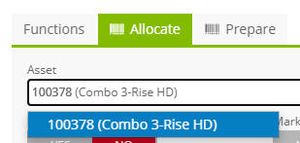
Scan (or type in) the asset tag

The Asset is not prepared on the order:

Serialized Container
When you scan a serialized container, all the content of the container is also allocated in one fell swoop
