Add New Contact: Difference between revisions
Jump to navigation
Jump to search
(Created page with "Some organizations have more than a single person working for them that we might need to contact or send email to. In those situations, we need to capture the individual’s...") |
(No difference)
|
Revision as of 14:31, 11 September 2019
Some organizations have more than a single person working for them that we might need to contact or send email to. In those situations, we need to capture the individual’s information. These records are called Contacts in CurrentRMS.
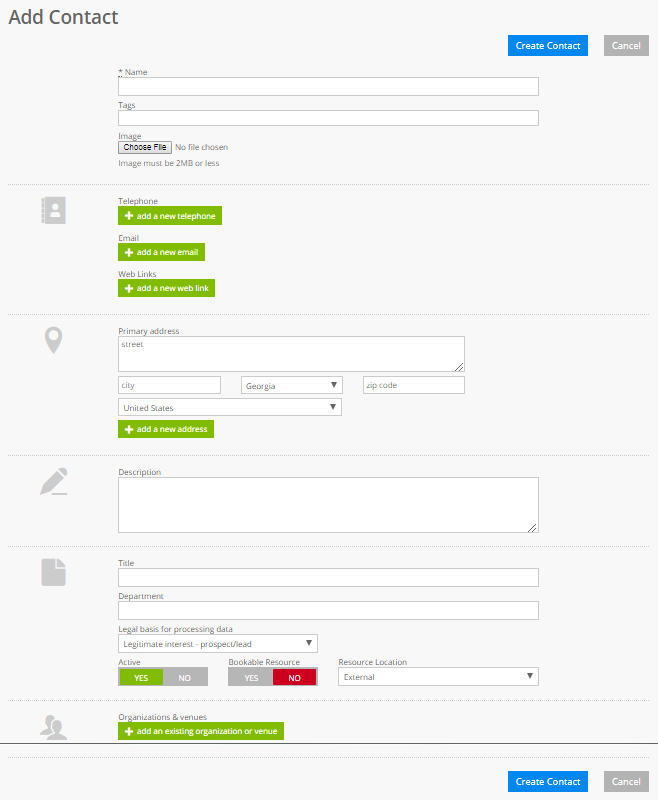
You create a new organization by going to the People & Organization section and selecting Add Contact.
At a minimum, you should enter the following information:
- Contact Name
- Phone Number
- Email Address
You should add the contact to the appropriate Organization using the add an existing organization or venue button.
Note that one contact can be part of multiple organizations.
A contact can also be someone at a Venue (like hotel or convention center) that we might need to contact.
